Get a quote for your school
Pricing depends on the number of students and branches. Register for the free trial or talk to us.
For schools
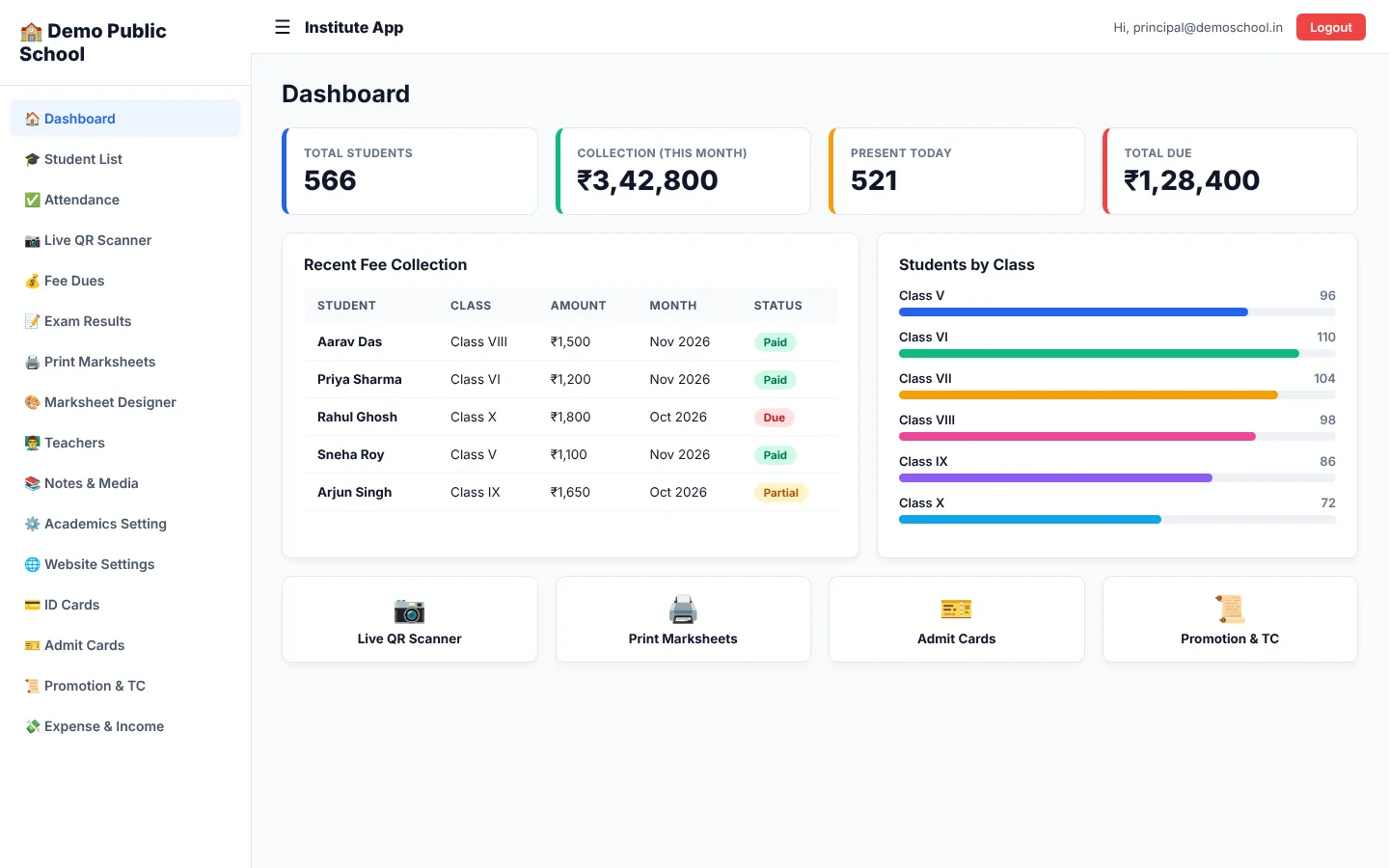
A complete school management system - class-wise students, fees and extra fees, QR attendance, marksheet designer, admit cards and seat tokens, promotion and transfer certificates, expenses and income, and a student portal that feels like an app.
Features
Admissions, sections, rolls, guardian details and transfer in one dashboard.
Monthly and extra fees, due list, concessions and instant receipts.
Scan-and-go attendance with live parent visibility.
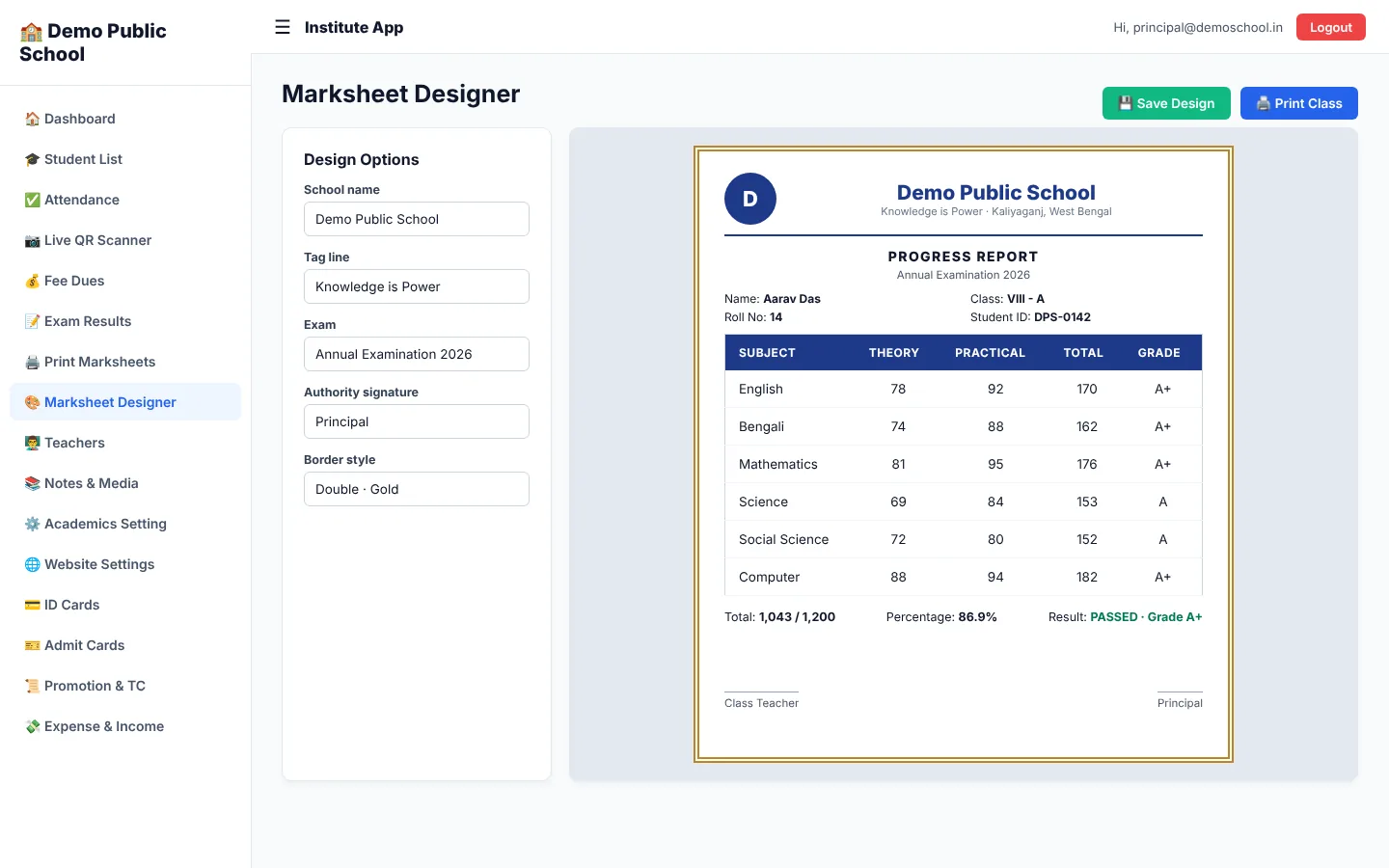
Design marksheets visually and print them for the whole class.
Exam-time admit cards and seat tokens with your authority signature.
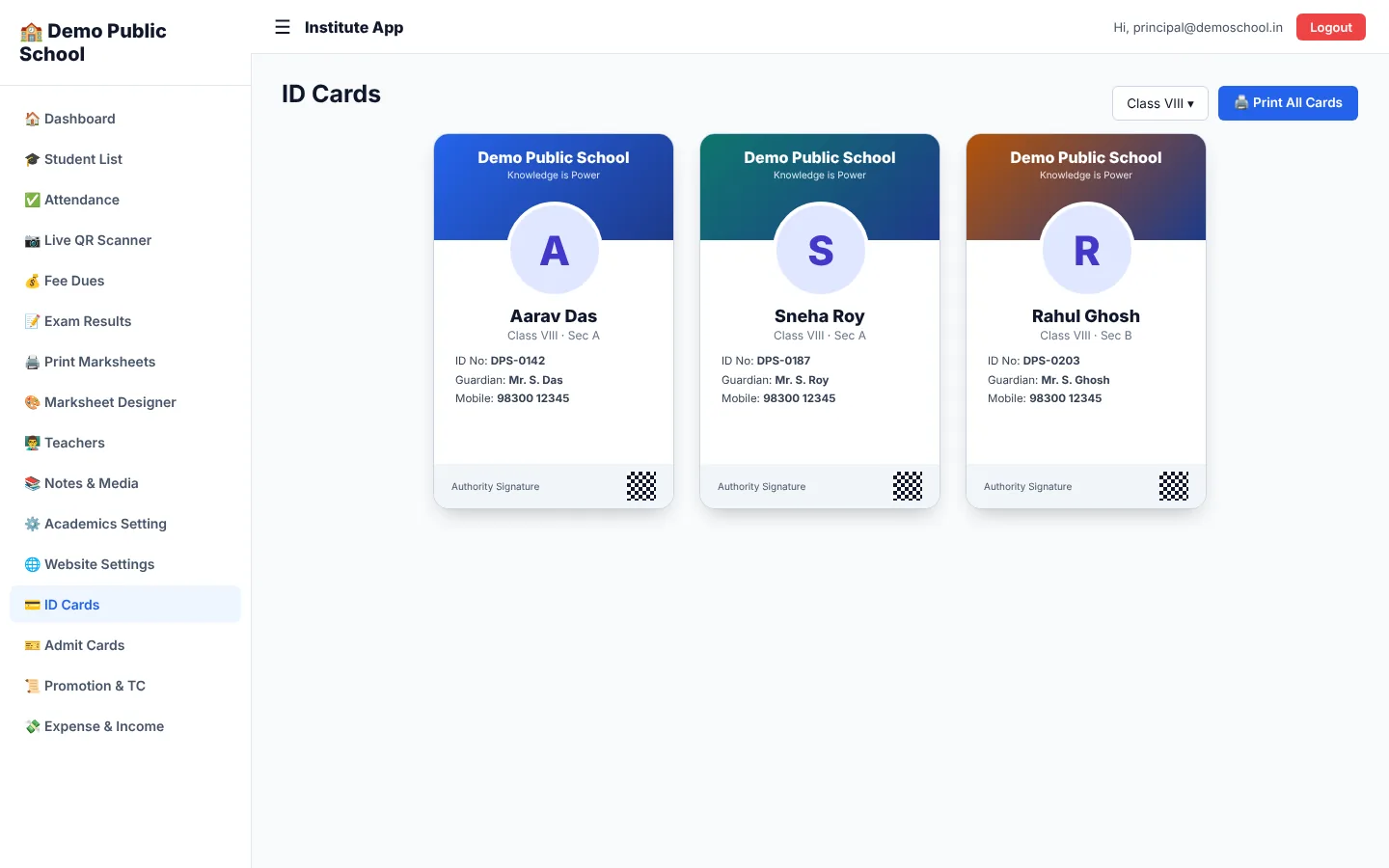
Photo ID cards with your tag line and logo.
Promote classes in bulk and issue Transfer Certificates.
Daily collection, expenses and income reports in one place.
Give each staff member only the access they need.
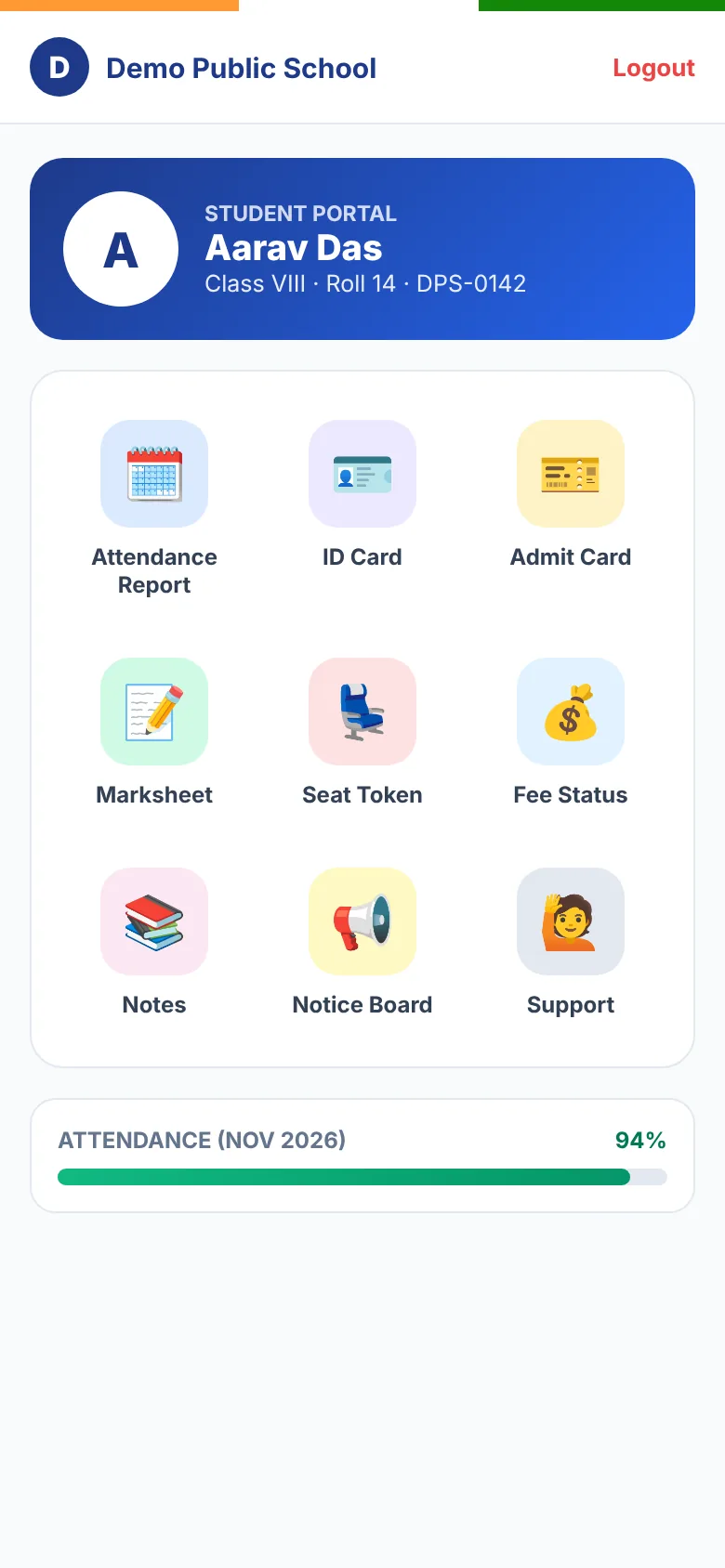
App-style icon grid for attendance, ID card, admit card, marksheet and seat token.
Automatic fee reminder calls to guardians.
Deleted students and records can be restored.
Inside the portal
Student & parent app
Students and guardians open one link and use EduCare 360 like an app: install it on the home screen and see attendance, fees, notes, exams, ID card, admit card and marksheet any time.
Simple to start
Create your account in a minute and start the free demo.
Add courses or classes, fee plans, teachers and your logo.
Admit students, collect fees, take attendance and share the student app.
Simple pricing
3-day free demo - no card needed.
Pricing depends on the number of students and branches. Register for the free trial or talk to us.
All prices are in Indian Rupees. Pay securely by UPI and your plan starts right after approval.
Questions
Yes. Every new institute gets a free demo period so you can try the full panel before choosing a plan.
Choose EduCare 360 for Computer Institutes for training centres and coaching institutes, and EduCare 360 for Schools for class-wise school management with marksheets and admit cards.
Yes. The student portal works like an app on any phone and can be installed to the home screen.
Choose a plan, pay by UPI QR and enter the transaction ID. Your plan starts as soon as it is approved.
Institutes that bought a plan are never auto-deleted. Demo accounts that never upgrade are removed after the grace period.
Yes. The computer-institute product supports multi-branch with a separate login and summary for every branch.
Leave your number - our team will call you, show a live demo and set everything up with you.